Agent in GPT for Excel
The Agent is the chat interface for spreadsheet work in GPT for Excel. Describe what you need in plain language — from everyday spreadsheet tasks to row-by-row bulk processing across large datasets — and the Agent reads your data, determines the required steps, and executes them directly in your spreadsheet.
Learn more about what the Agent can and cannot do.
How to use the Agent
To use the Agent in GPT for Excel:
-
Open your spreadsheet.
-
In the sidebar, in the Agent tab, enter your prompt and click the send button.
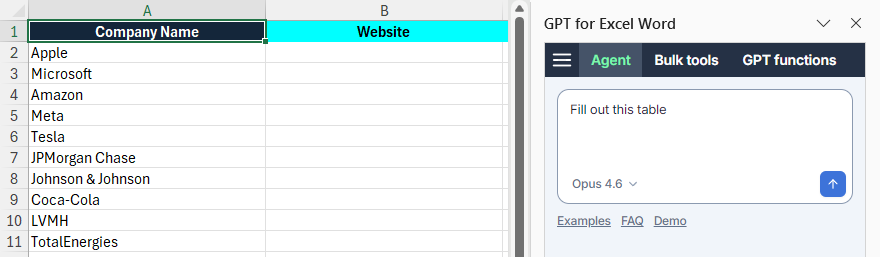
Next, the Agent:
-
Analyzes your request and drafts a plan.
-
Processes the data in the current sheet according to the plan.
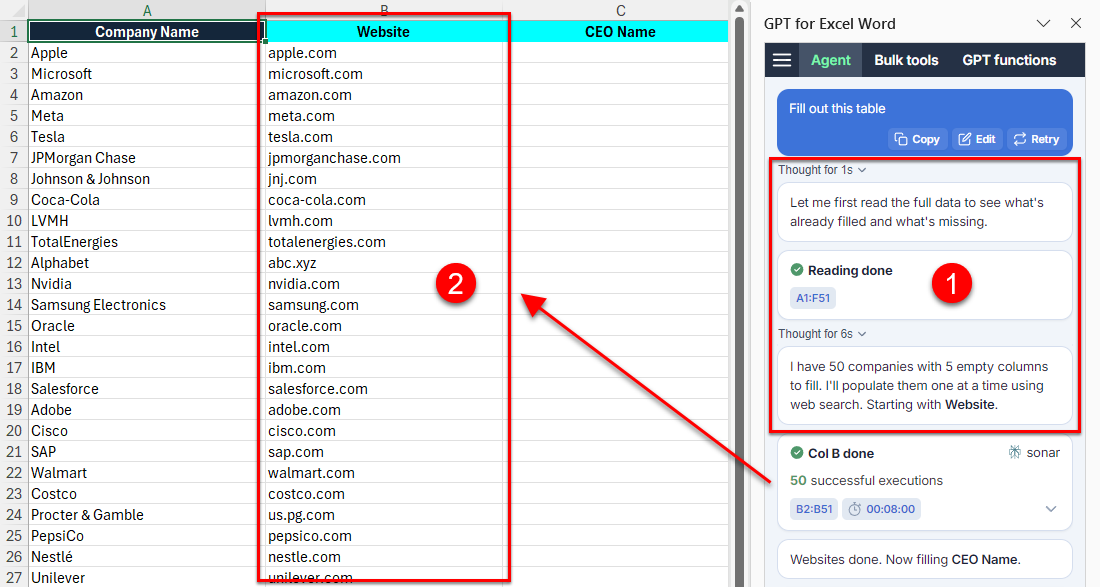
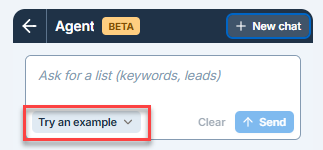
Examples
Find out what the Agent can do with the examples below. You can try these examples, and many more, directly from the sidebar.
Translate into multiple languages
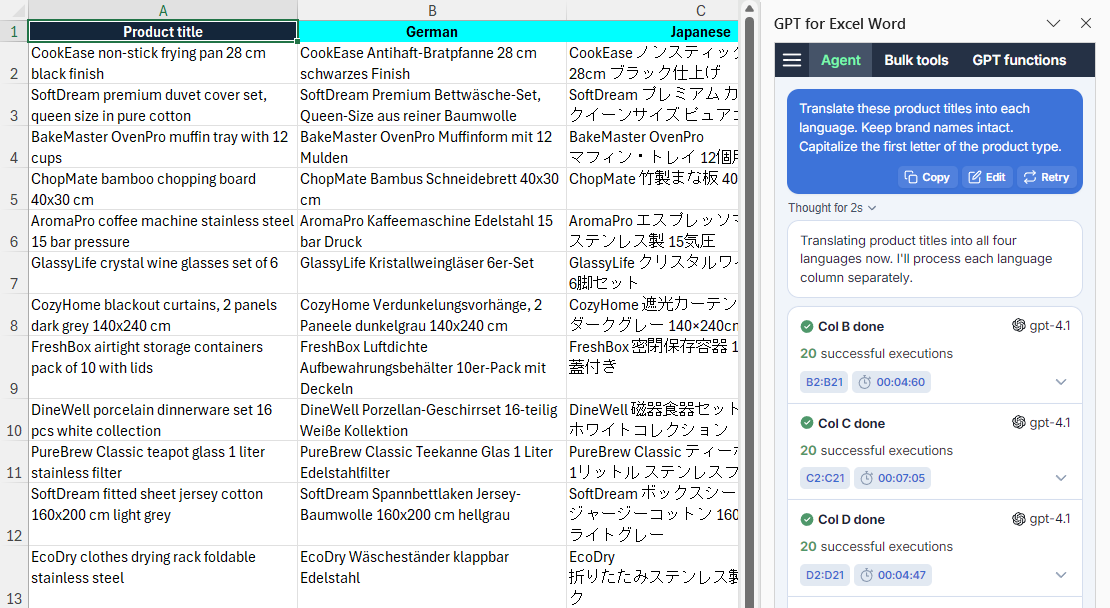
Translate spreadsheet content into multiple languages in bulk.
Translate these product titles into each language. Keep brand names intact. Capitalize the first letter of the product type.
Search the web
When necessary, the Agent searches the web to find the information you need. Learn more about the models used by the Agent.
Fill out this table
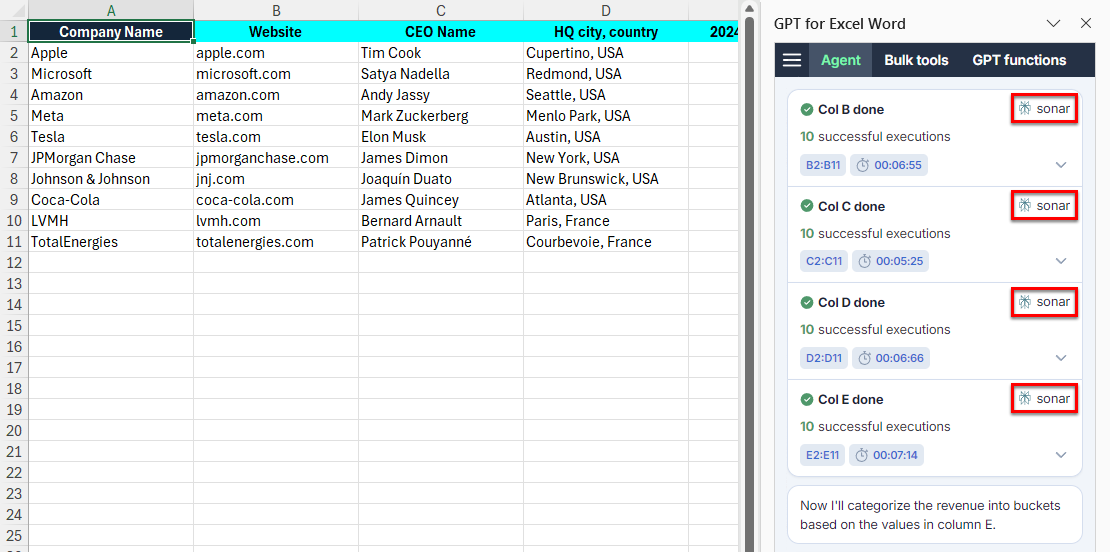
To scrape specific URLs, use the Fetch content from URL bulk tool.
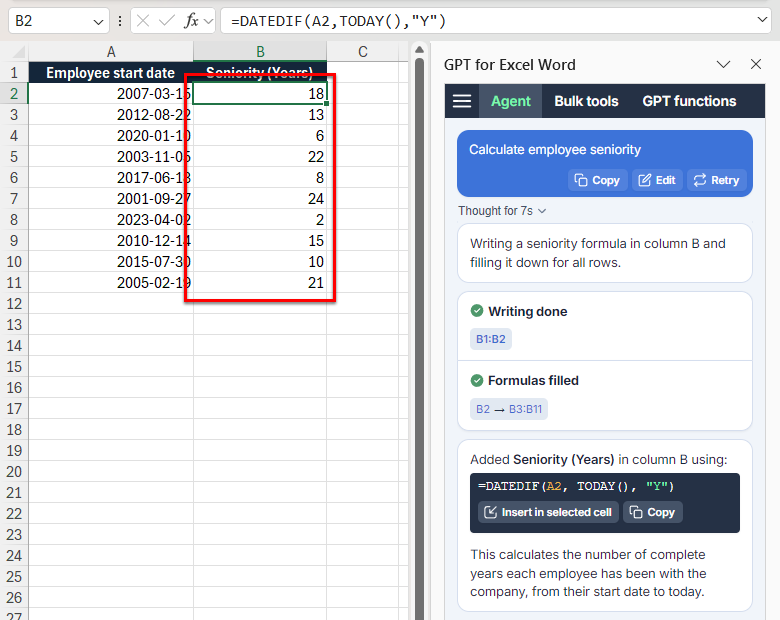
Generate and autofill formulas
Describe what you need in natural language, and the Agent generates the appropriate Excel formula, inserts it in the starting cell, and automatically fills the formula across the range.
Calculate employee seniority
What the Agent can and cannot do
The Agent excels at both everyday spreadsheet tasks and row-by-row bulk processing across large datasets.
The Agent can:
-
Add, remove, or reorganize columns and rows.
-
Create charts, pivot tables, and dashboards from your data.
-
Create, fix, and explain spreadsheet formulas using natural language.
-
Generate lists and tables from scratch based on a prompt.
-
Process data in bulk, including generating or rewriting content, translating text, categorizing or tagging data, cleaning and preparing data, and searching the web.
-
Style your spreadsheet, including colors, text formatting, and conditional formatting.
-
Summarize large cell ranges.
The Agent cannot yet:
-
Scrape specific URLs. (Use the Fetch content from URL bulk tool instead.)
-
Take documents as input. (Use the Fetch content from URL bulk tool instead.)
-
Take images as input. (Use the Prompt images (Vision) bulk tool instead.)
FAQ
What models does the Agent use?
Agent models handle chat messages, create formulas, and execute complex tasks by breaking them down into smaller tasks and delegating these to bulk models.
For a list of the models available for the Agent, see AI providers & models supported by GPT for Work.
Can I change the models used by the Agent?
Yes, you can change the models used by the Agent:
-
Select the Agent model in the GPT for Excel sidebar.
-
Set the bulk models in the GPT for Work dashboard.